

Initial Setup
After your Vulnotes instance is ready, create your administrator account.
Create your admin account
Navigate to your Vulnotes URL. On the first access, you will be redirected to the setup page where you create the initial administrator account.
Fill in your username and email address. Choose a password with at least 12 characters, including uppercase and lowercase letters, a number, and a special character. You can also enter your first and last name.
This account gets full admin privileges. You can create additional users after setup.
Add your team
Once logged in, go to Administration > User Management and click Add User to invite team members. Assign them a role (Admin or Pentester) based on what they need access to.
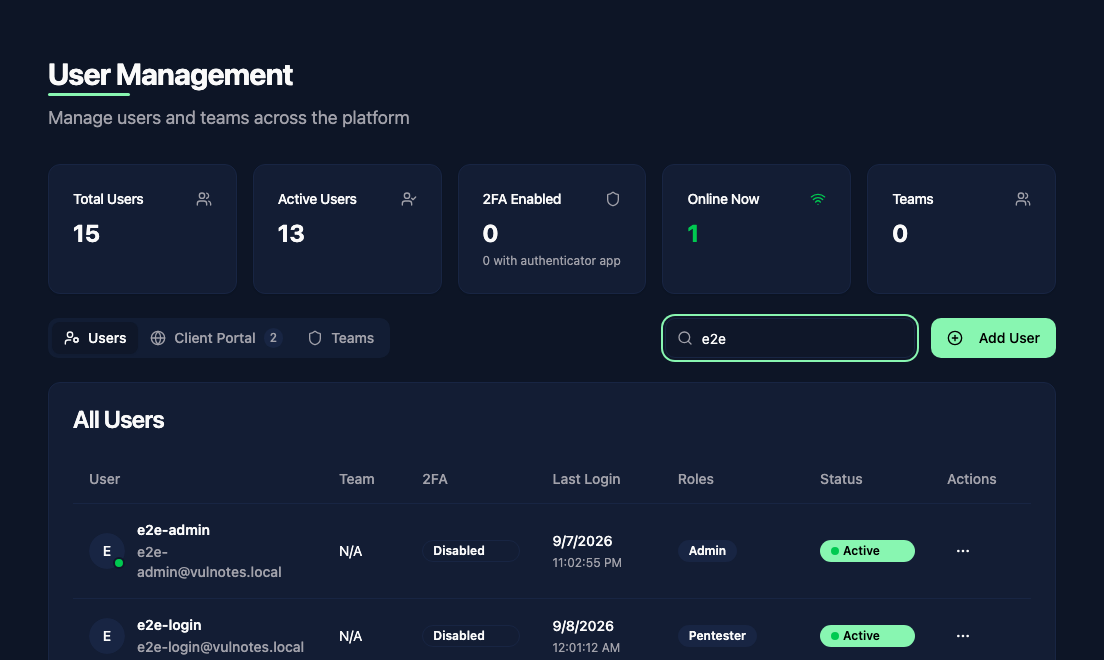
Enter the recipients' email addresses, choose their default roles and optional team, then send the invitations. Users choose their own passwords when accepting. Air-Gap Workstation is a single-user installation and does not need this step.
Security recommendations
Before going into production, take a few minutes to harden your instance:
Enable two-factor authentication for your admin account. Go to Profile > Security, enable 2FA, and scan the QR code with your authenticator app.
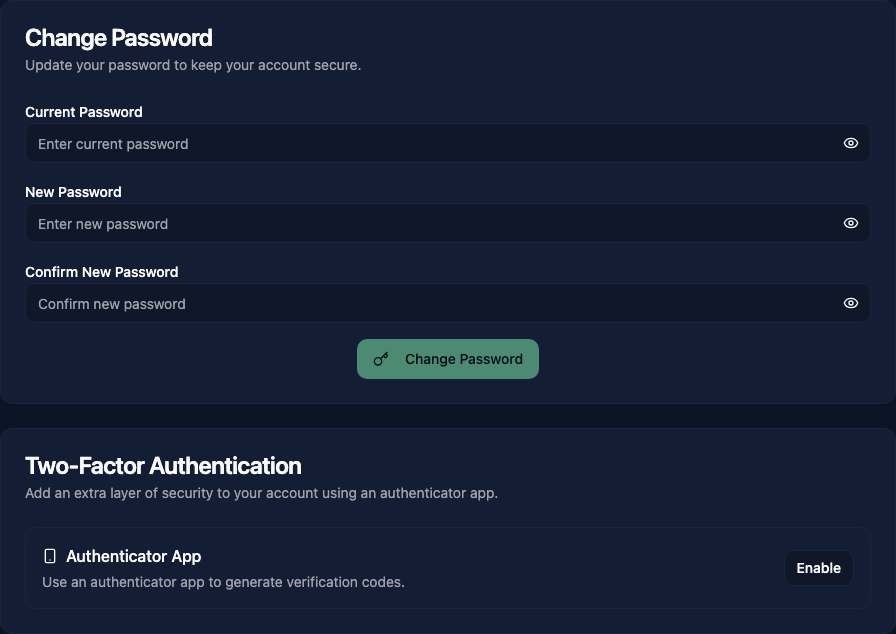
Configure password policies in Administration > Settings > Security. Set the minimum length and complexity requirements.
Review role permissions in Administration > Roles & Permissions. Check that the default roles match your organization's access requirements and adjust as needed.
Next steps
- Creating Reports to start your first report
- Vulnerability Library to set up your vulnerability database
- Template Design to customize your report templates