

Report Settings
Configure default report behavior in Administration > Settings > Reports.
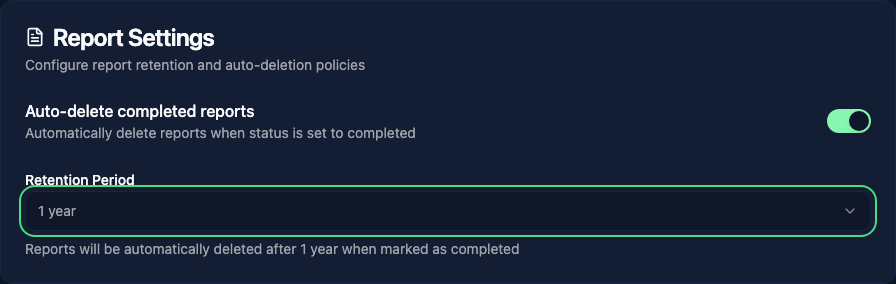
Auto-delete
Auto-delete schedules a report for permanent deletion when its status changes to Completed. The retention period is measured in months from completion, not from creation. The default is 12 months.
Changing the setting affects future completion transitions; it does not recalculate deletion dates already stored on completed reports. In particular, switching auto-delete off does not cancel existing schedules.
Moving a report out of Completed clears its deletion schedule. If a completed report has no schedule, a later report update can add one using its original completion date and the current retention setting.
The cleanup runs periodically, so deletion may happen after the scheduled time. It also removes the report's associated findings, notes, attachments, and images.
WARNING
Auto-deleted reports cannot be recovered. Make sure to export or archive important reports before the retention period expires.