

Pentest Report Template Design
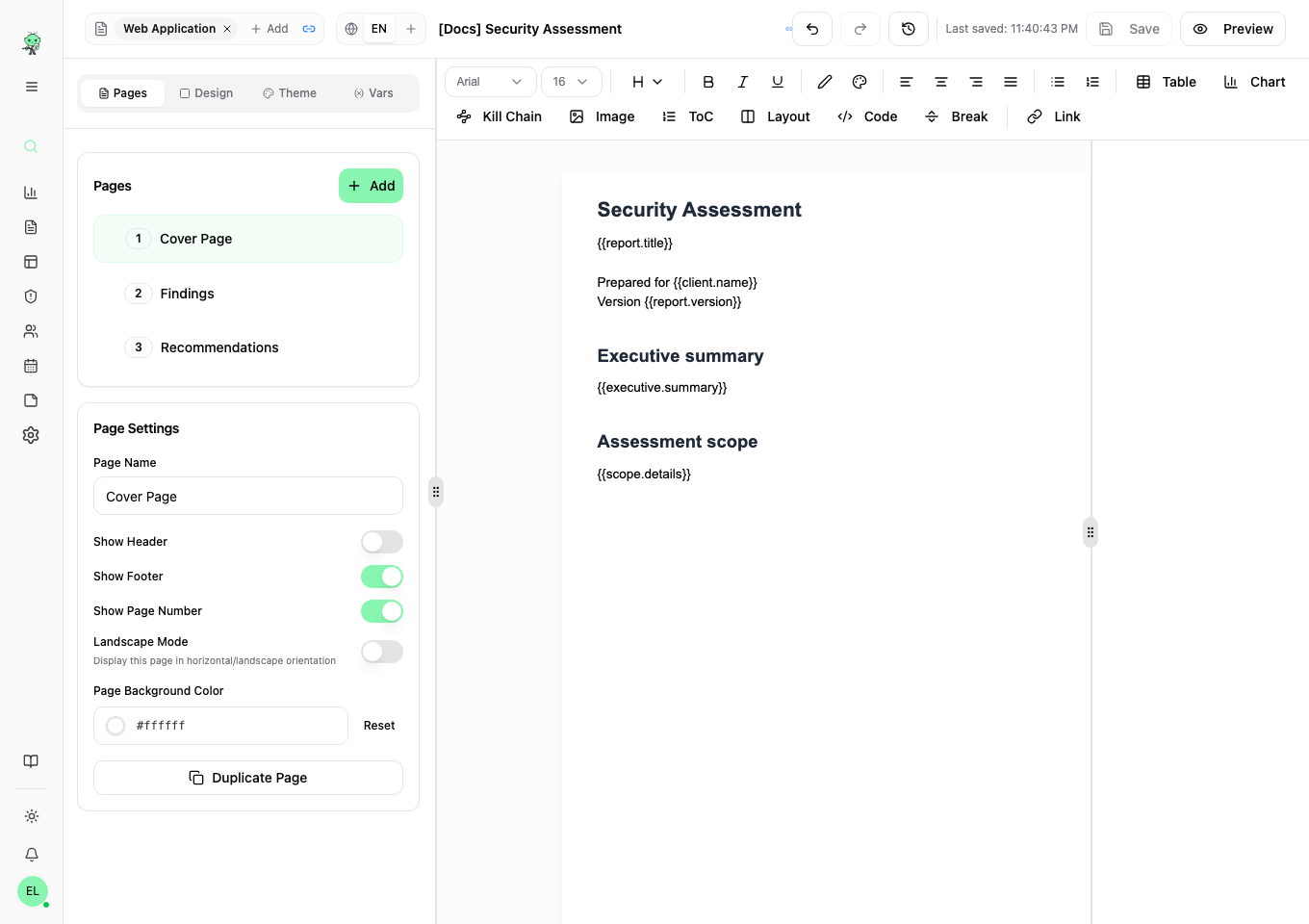
The template designer lets you build report layouts directly in your browser. Pages combine fixed text and design elements with variables filled from each report.
Create or reuse a template
Open Templates in the sidebar and click New Template. Enter a name, choose a language, and link the vulnerability templates whose fields you need. Click Create Template & Open Builder to start the layout.
An existing template's … menu offers:
- Duplicate to make an independent copy.
- Add Translation to create a language version in the same group. It copies the layout and text; translate the wording yourself.
- Export to download a portable JSON template with its embedded images and referenced custom fonts.
- Delete to remove the selected template after confirmation. Export a copy first if you need to keep it. Templates still used by reports cannot be deleted; move those reports to another template first.
Import a template or Word report
On New Template, click Import JSON or DOCX. Choose a Vulnotes template JSON export up to 50 MB, or a Word .docx up to 20 MB. A report JSON backup is a different format.
If a matching template already exists, choose Import with New Name to keep both, or Overwrite Existing to replace it. Check any warning about missing vulnerability templates and relink them in the builder.
Word import converts the document into an editable layout. Review the import warnings in the builder and check every page in preview before using it for reports; complex Word formatting may need adjustments. Save your corrections when ready.
Header bar
Rename the template, link one or more vulnerability templates, change language, save changes, or open the preview. Undo and redo controls let you step back through your edits.

Toolbar
Format text and insert tables, charts, images, a table of contents, code blocks, links, and kill chains.

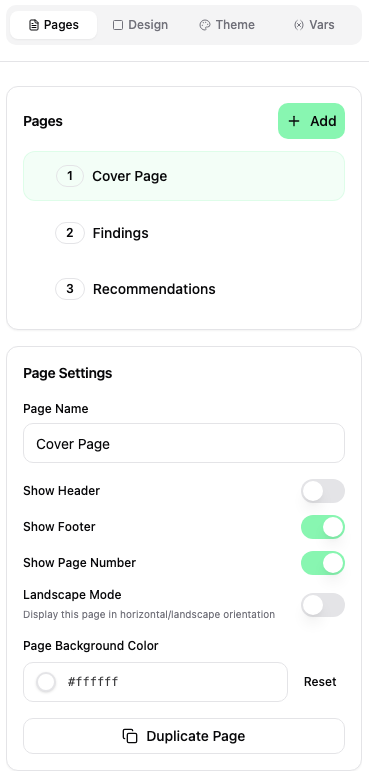
Left menu
Set the global theme, manage pages, add design elements, and define variables.
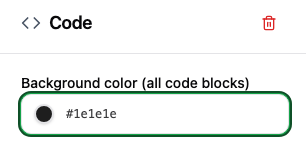
Right menu
Select an element on the page to open its settings. The available options depend on the element.
Saving and history
Click Save, or use Ctrl+S / Cmd+S, to save the layout. Save history keeps up to 25 saved revisions, with the date and person who saved each one.
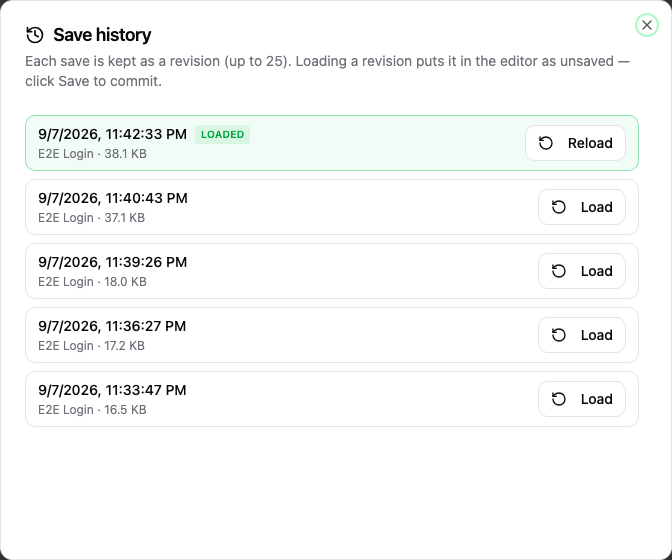
Click Load on a revision to bring it into the editor. Review it, then click Save to keep the restored version. Loading a revision replaces the current editor contents, so save any work you want to keep first.
Design elements
The Design tab provides rectangles, circles, triangles, lines, and images for covers and page decoration. Add an element to the page, then select it to adjust its appearance and position.
Use the element list to select a background object that sits behind the text. Drag items within their layer group, or use Alt+Arrow Up/Down, to change their stacking order.