Image
There are two ways to insert images in your report template:
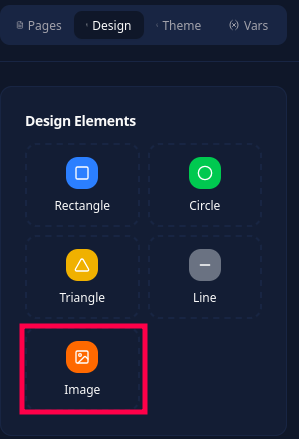
Using a design element:
Using the toolbar:

The difference is that toolbar images are inserted inline with your content (like tables, text, etc.), while design element images can be freely dragged and positioned anywhere on the page, including behind or above other elements.
LiquidJS variable
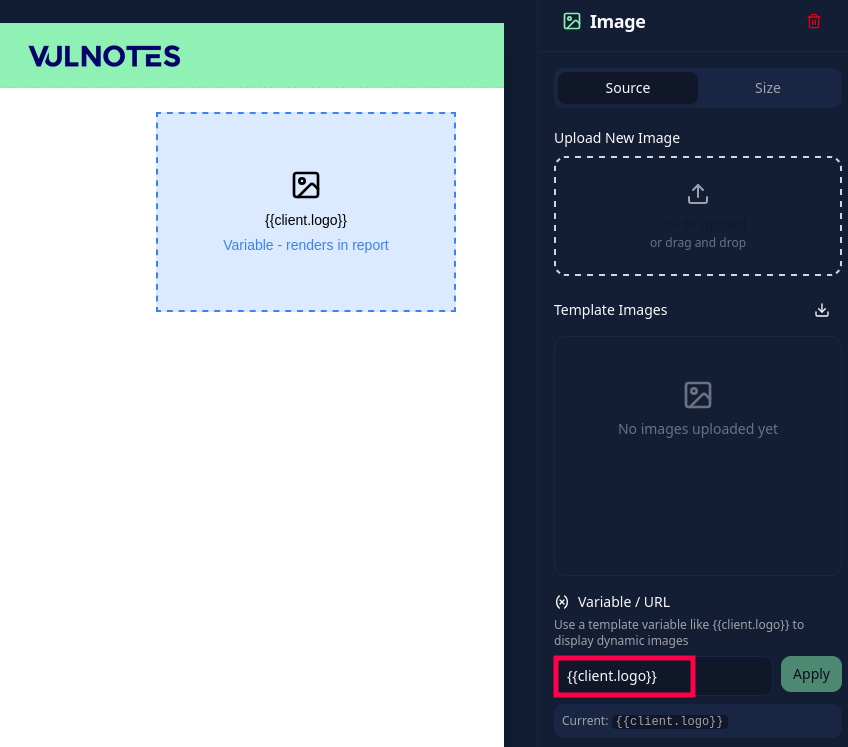
Upload a fixed image or use a LiquidJS expression as the source. For example, {{client.logo}} displays the logo of the company linked to the report. Check it in a report preview with a client selected: