

Availability
Team members can record time off and other periods of unavailability on the planning calendar. This helps project managers choose dates and assignees for upcoming engagements.
Marking availability
Click Mark Availability on the Calendar tab. Choose Vacation, Conference, Sick Leave, Training, or Other, then set a start date and an end date after it. Add a description if needed and save the entry.
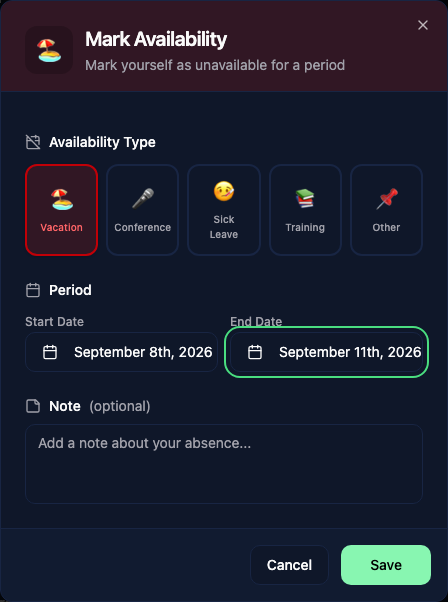
The block appears on your calendar row. Click it to edit or delete it. You can manage your own entries; users with planning management permission can also manage other people's entries.
How it helps
When planning a new penetration test, you can look at the calendar and immediately see:
- Who is currently assigned to other engagements
- Who has marked themselves as unavailable (vacation, training, etc.)
- Who has open time slots during the desired assessment period
When you assign someone to an event during a recorded absence, the event dialog shows a conflict warning.