

Attachments
The Attachments tab lets you upload supporting files to your report. This is where you store raw scan outputs, additional evidence, client-provided documents, or anything else that should travel with the report. The ZIP export includes the report PDF and its attachments, with optional password protection.
Uploading files
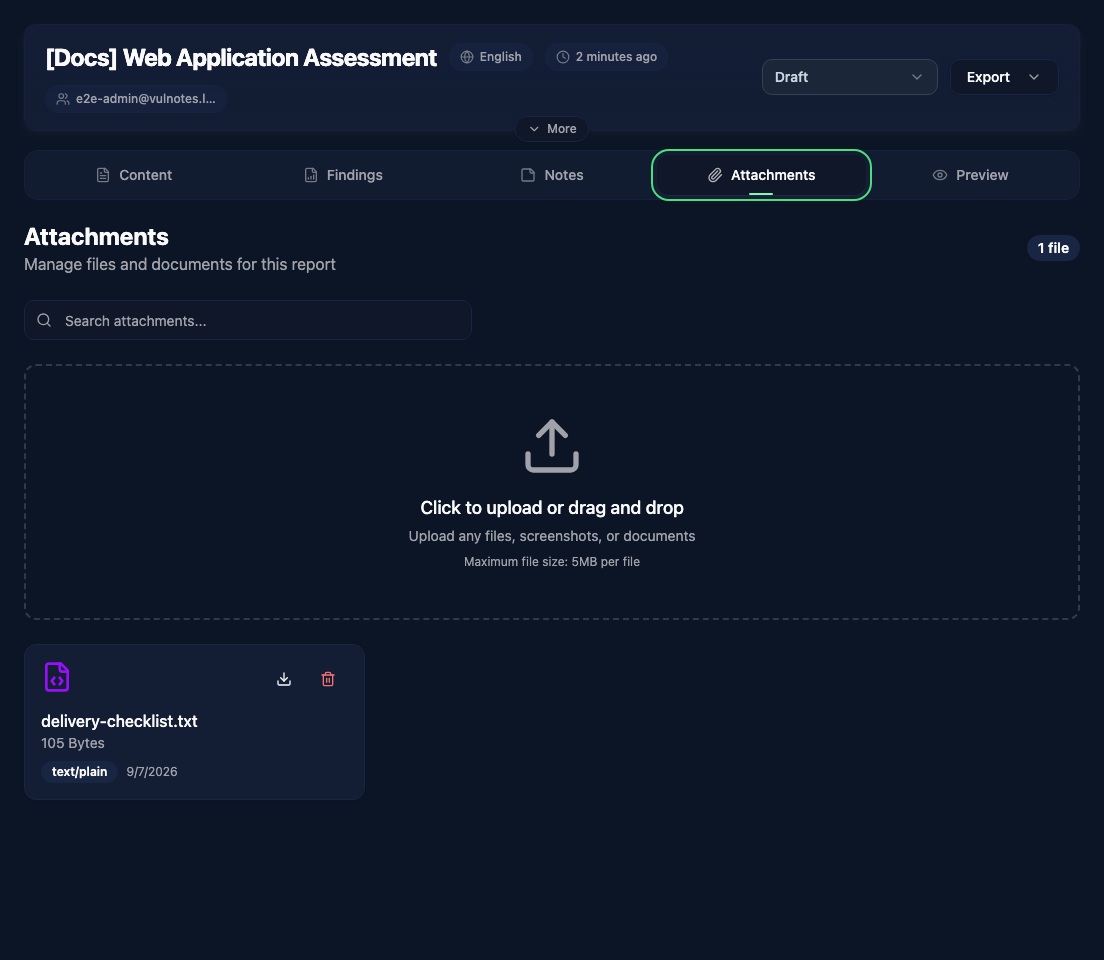
Drag files into the upload area or click it to open the file picker. Supported files include common document and image formats, archives, plain text, JSON, XML, and source code used as evidence. Unsupported file types are rejected.
Managing attachments
Each uploaded file shows its name, size, MIME type, and upload date. From there you can:
- Download - click the download icon to save the file locally
- Delete - click the trash icon to remove the attachment from the report
Use the search bar at the top to filter attachments by name when you have many files attached.