Table of Contents
Insert a table of contents from the toolbar. Its entries come from headings in the document, and it is regenerated when the report renders so it includes repeated findings and their page numbers.
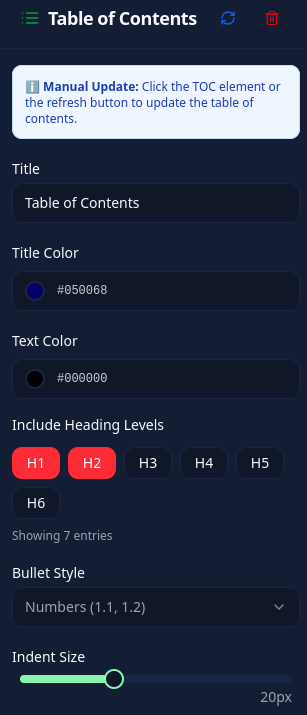
Select the element to set its title, colors, indentation, and included heading levels. Choose numbers, bullet points, Roman numerals, or no bullets for the entry style.