

Companies
Companies (called "Clients" in the sidebar) represent the organizations you perform assessments for. Each company can have multiple contacts and be linked to multiple reports.
Create a client
Open Clients and click New Client. Enter the company name and optionally upload a logo, then click Next to add contacts. Click Create Client when finished. You can also continue without contacts and add them later.
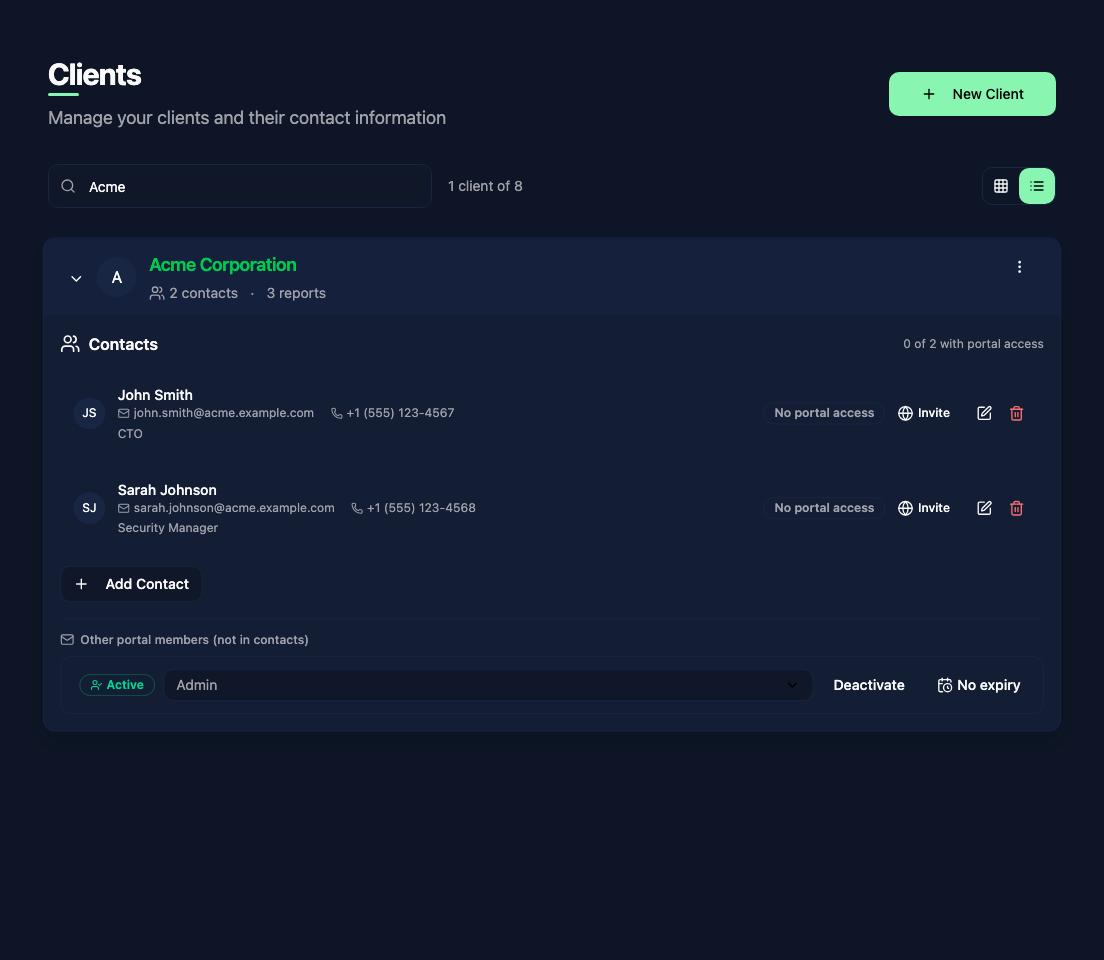
Expand a company in the list to see its contacts and portal access. Use its edit action to update the company name, logo, or contacts.
Contacts
Each company can have multiple contacts. Contacts are the people at the client organization who receive the report, approve the scope, or serve as your points of contact during the assessment. Each contact can have:
- First name and last name (required)
- Email address (required)
- Phone number
- Role or job title (e.g. CISO, Security Consultant, CTO)
Contacts in reports
When creating a report, select a company and its relevant contacts. The report template can use:
client.primaryContact- the first selected contact, with the company's first contact used as a fallbackclient.contacts- all contacts on the linked company
Use the primary contact for a cover page or recipient. Check any distribution list that loops over client.contacts, as it includes the company's full contact list.
Client Portal access
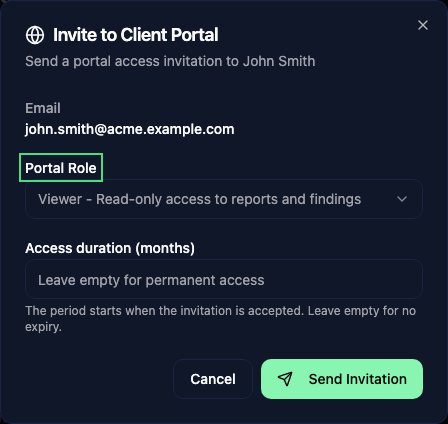
Contacts do not receive a portal account automatically. Once the Client Portal is configured, use Invite beside a contact to send an invitation. Choose a Portal Role and, if needed, an Access duration (months). Leave the duration empty for no expiry; a limited period starts when the invitation is accepted.
The expanded company shows active accounts and pending invitations. You can change a role, deactivate or reactivate access, resend or cancel a pending invitation, and set a new access term. A new term starts when applied; leaving it empty makes access permanent.
See Team access for the portal roles and the controls available to client administrators.
Team access and visibility
If your organization uses teams, a company's visibility can be restricted to specific teams. Team members only see the companies (and by extension, the reports) that their team has access to. This is configured by administrators through the team exclusion list settings.
See Teams for more details on team-based access control.