

Webhooks
Webhooks let Vulnotes send notifications to external services when certain events happen. Configure them in Administration > Settings > Webhooks.
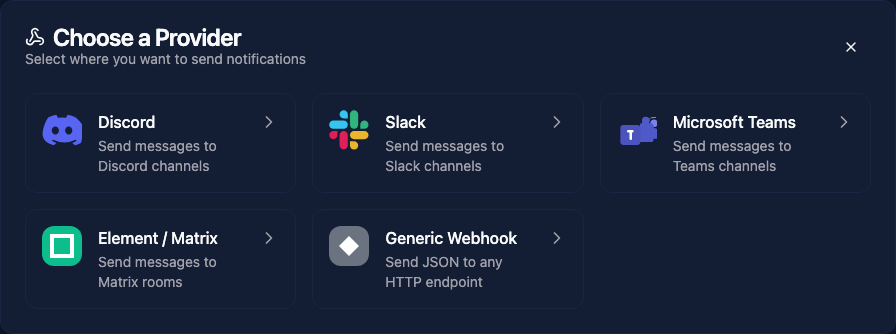
Supported platforms
Vulnotes can send webhook notifications to:
- Discord - sends formatted embeds to a Discord channel
- Slack - sends messages to a Slack channel
- Microsoft Teams - sends adaptive cards to a Teams channel
- Element (Matrix) - sends messages to a Matrix room
- Generic HTTP - sends a JSON payload to any URL
Events
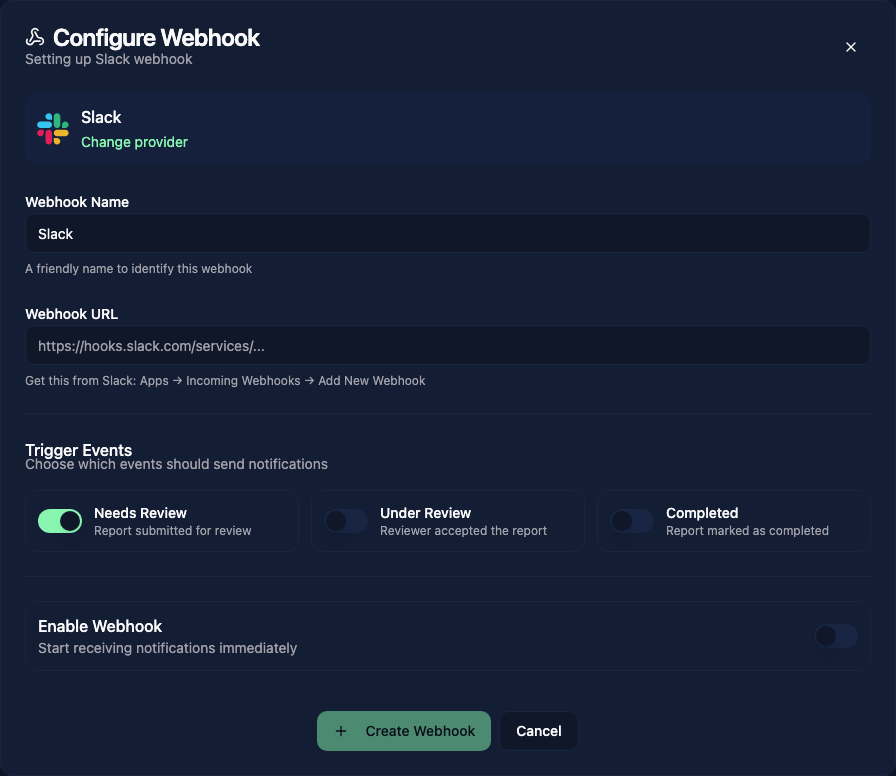
Each webhook can subscribe to these report status changes:
- Needs Review
- Under Review
- Completed
Create separate webhooks when different services or teams need different notifications. Each webhook has its own name, destination, event selection, and enabled switch. Generic webhooks can include custom headers and a signing secret; Element also needs a room ID and access token.
Testing
After creating a webhook, use the Test button to send a sample payload. This verifies that the URL is correct and the target platform receives the notification properly.