

Vision (Screenshot to Finding)
The vision feature drafts a report finding from screenshots, a written description, or both. The selected vulnerability template determines the fields it fills in.
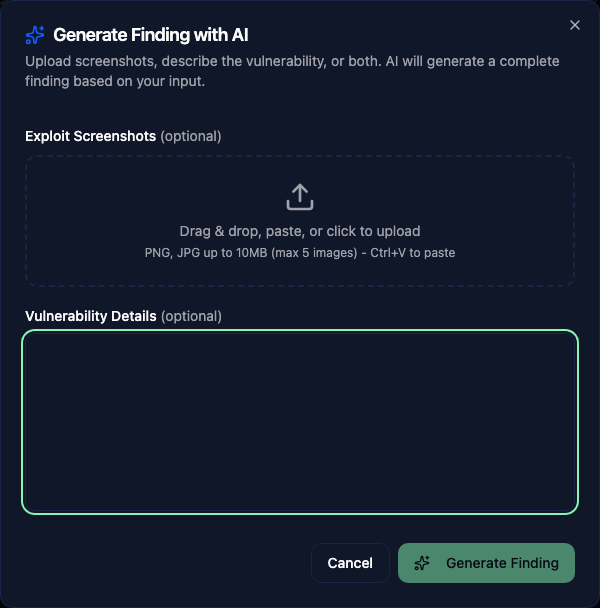
Generate a finding
Open Generate Finding with AI from the report findings area. If the report supports several vulnerability templates, choose a Finding type.
Drag in, paste, or upload up to five PNG or JPG images, up to 10 MB each. Add a description of what the screenshots show and any context the AI needs.
The redaction editor opens when you add images. Cover sensitive areas before continuing. You can reopen it from an image thumbnail using Redact sensitive info for AI. Only the redacted version is sent to AI; the original remains available for the report.
Generate the finding, then review the title, scores, and text against your assessment evidence before saving. The AI cannot confirm a vulnerability from an image alone.
Screenshot upload is hidden when your administrator disables image analysis. The description can still be used for text generation if that feature is enabled.
Tips for good results
- Use clear, readable screenshots. Crop to the relevant area rather than uploading a full desktop screenshot.
- Include enough context in the image. A screenshot showing both the request and response in Burp is more useful than just the response body.
- Remove unrelated browser chrome and redact credentials or client information that the provider should not receive.