

Theme
In the left menu, you can define the global theme settings of your report template. These settings are used as defaults across all pages.

Colors
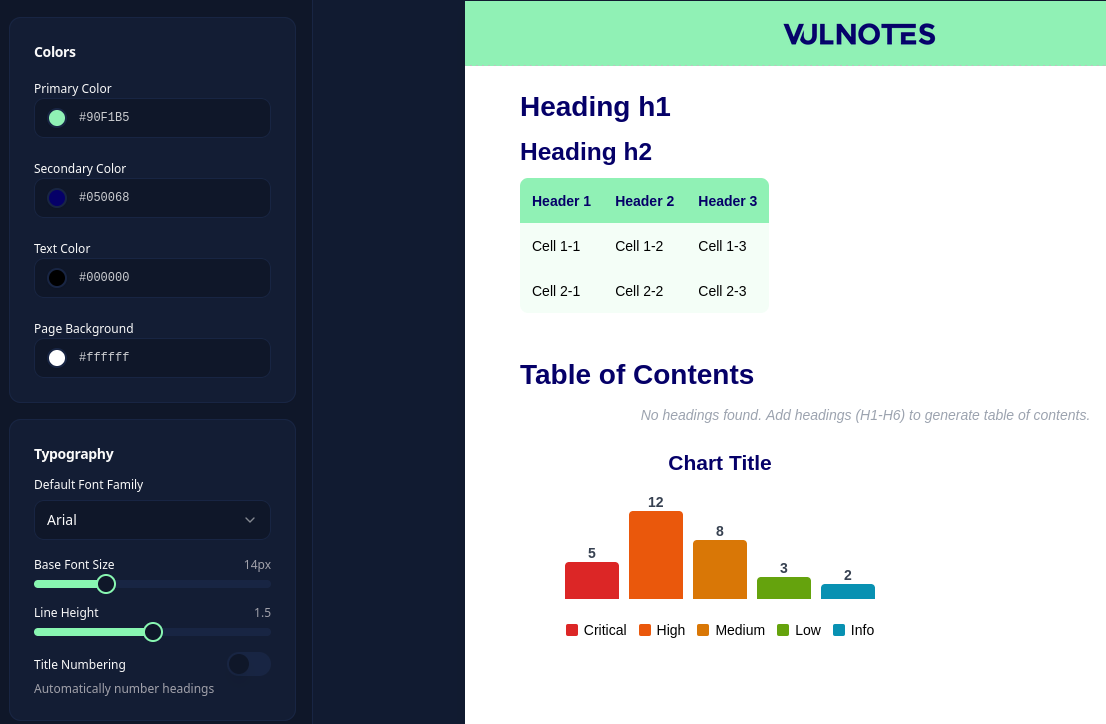
- Primary Color - default table header background.
- Secondary Color - headings and element titles, such as charts and the table of contents.
- Text Color - default body text color.
- Page Background - default page background color.
Explicit color overrides are kept when you change the theme. For example, a cover page with its own background color keeps that color. Use Reset in the page background settings to follow the theme again.
Typography
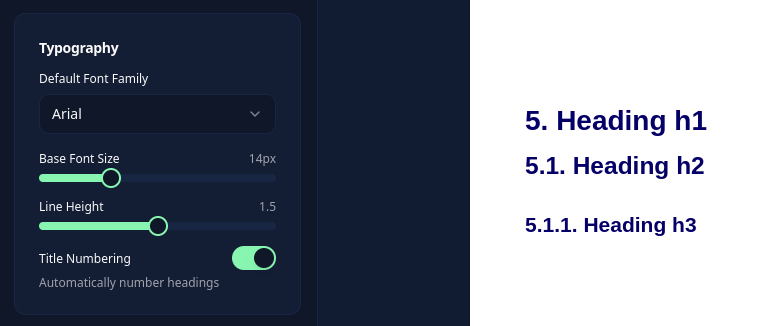
Choose the document font, font size, and line height. You can also enable heading numbering:
Custom fonts
Under Typography > Custom Fonts, click Add font (.ttf), choose a TrueType font up to 10 MB, enter its family name, and click Upload. Then select it in Default Font Family and save the template.
Use a family name containing letters, numbers, spaces, hyphens, or underscores. Only upload fonts you are allowed to use and share. Portable template exports include referenced custom fonts.
The trash icon removes an uploaded font after confirmation. Check templates that use it before deleting it; removing the file can change their appearance.