

User Profile
Click your name at the bottom of the sidebar and choose Account to open Profile & Settings. The Profile tab contains your name, username, email address, and phone number.
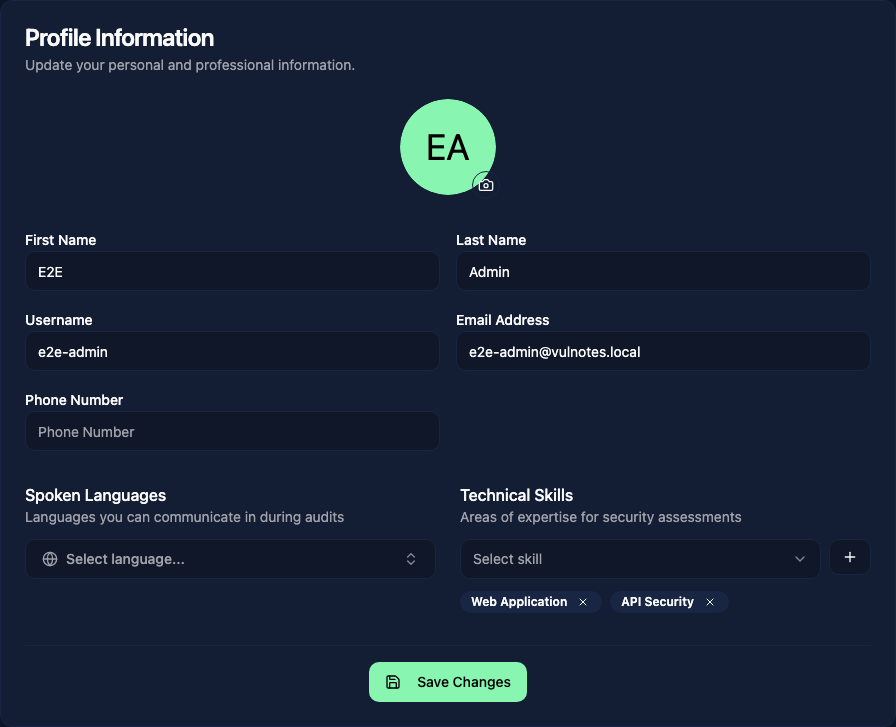
Click the camera icon on your avatar to choose a PNG, JPEG, or GIF image. Update your details, then click Save Changes.
Languages and skills
Use Spoken Languages to list the languages you can use during assessments. Under Technical Skills, select an area of expertise and click the plus button to add it. Remove a language or skill with the cross on its badge.
These details help colleagues choose assignees for engagements. The Planning calendar can filter team members by skill. Spoken languages describe your professional profile; they do not change the interface language.
Password changes and two-factor authentication are in the Security tab.