

Report Notes
The Notes tab keeps working notes alongside a report: meeting notes, questions for the client, or observations you have not turned into findings yet. Report notes are shared with teammates who have access to the report.
Click + to create a note, give it a title, and write in the editor. Click Save after editing. Collaborators can work on the same note and see each other's changes.
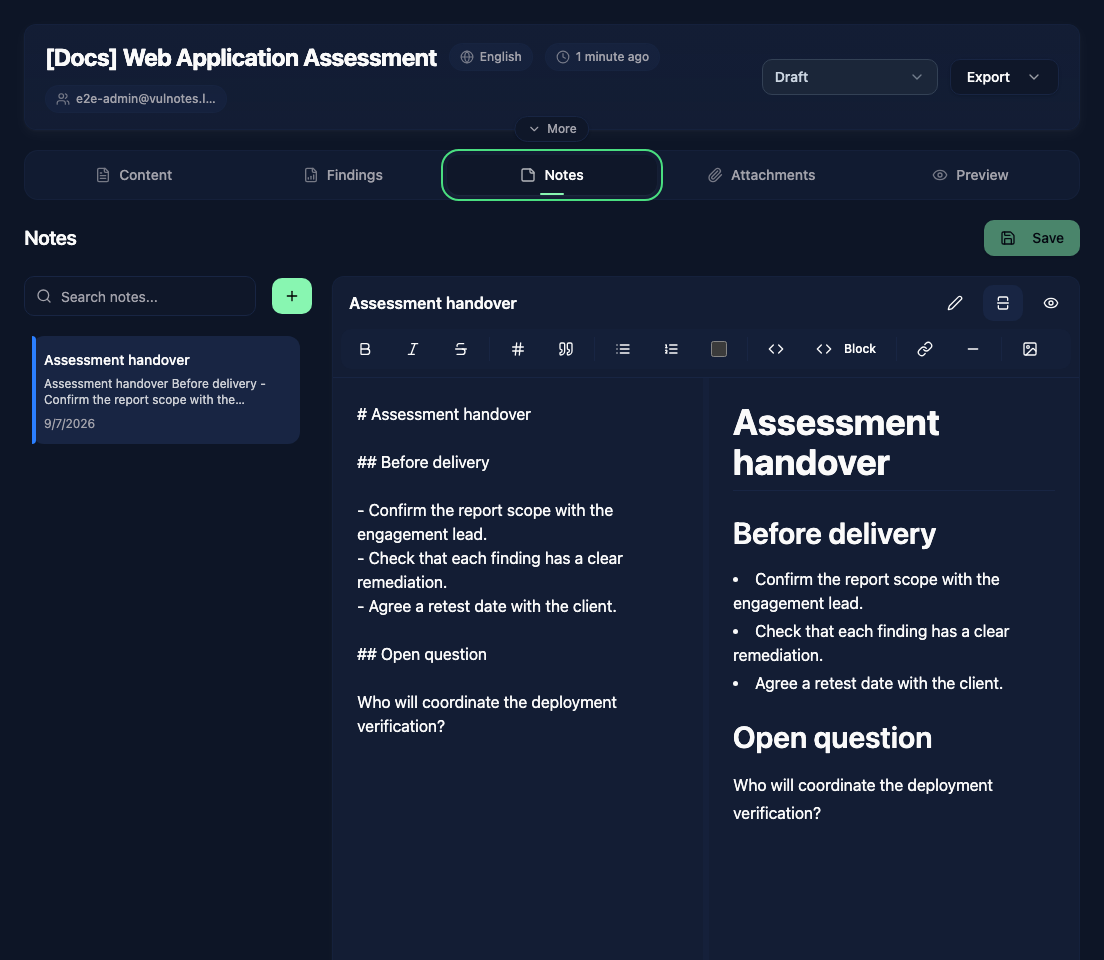
Use the search box to find a note. The … menu lets you pin useful notes to the top of the list or delete a note you no longer need.
Notes are separate from the report's Content sections. Put material intended for the final document in a content section or finding. For your own reusable knowledge base, use Personal Notes.